
Gmail, with Google sign-in.
- Gmail
Your calendar, CRM and marketing accounts come next, when the work needs them. The accounts stay yours.
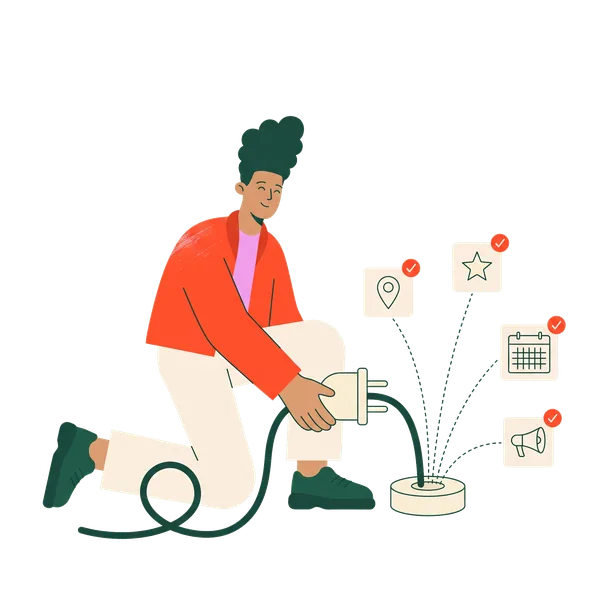
Huck connects to Gmail first, with Google sign-in. Then your calendar, your CRM, and your marketing accounts: Google Business Profile, Google Ads, reviews, your website and SEO. The AI receptionist works through call forwarding. Huck asks for each connection when the work needs it, and the accounts stay yours.
Your accounts stay yours. Huck explains what it needs before you connect, and some connections need a little help from our team.
For discovery work, explore local SEO services and answer engine optimization.
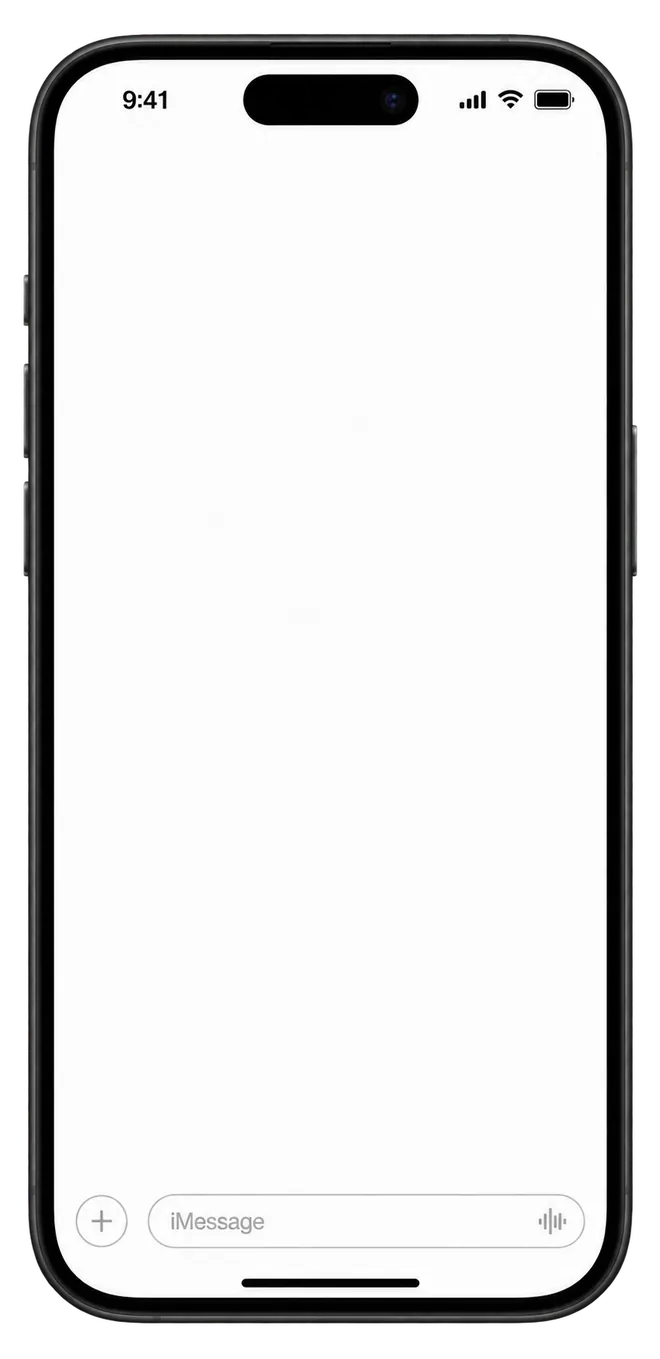
Reviewed October 13, 2026 by the Huck team.Start by text. Huck starts with your email and asks for the next connection only when the work needs it.
It finds the renewals, charges and invoices worth acting on first.
No long setup project. Huck asks for the right tool when the work is ready.
You get the result, what changed, and where to see it in the text thread.
Start with Gmail. Connect the rest when Huck needs it.
Gmail, with Google sign-in.

Meetings booked, with the invite on your calendar.

Kept current, never replaced.

Google Business Profile, Google Ads, reviews, your website and SEO.

The AI receptionist, through call forwarding.
Some connections are direct. Others need a little help from our team. Huck tells you how before asking you to connect.
Huck works from your email, so the saving shows up where you can check it. An illustrative example.
A renewal notice arrives: $9,600 a year, up 18%.
Huck texts you the plan that fits, at $1,800 a year.
You say yes, and Huck switches the plan.
Huck checks your next bill and texts you the saving.
Saving verified. Your Nov 30 renewal bill shows $1,800, not $9,600. That’s $7,800 a year.
Huck explains what it needs before connecting.
Text Huck, connect your email, and get your first list today.

No. Start with Gmail. Huck asks for the next connection when the work needs it.
Huck brings decisions to the text thread. The request explains the work and the access it needs before you approve it.
You do. Huck works through delegated access; the underlying business, advertising, website, and customer accounts remain yours.
Yes. Disconnecting revokes future access. The Privacy Notice explains how information already collected is handled.
Huck tells you the work is blocked or still pending. A failed external action is not presented as completed work.
Gmail today. Calendar and CRM providers are confirmed when you connect them.