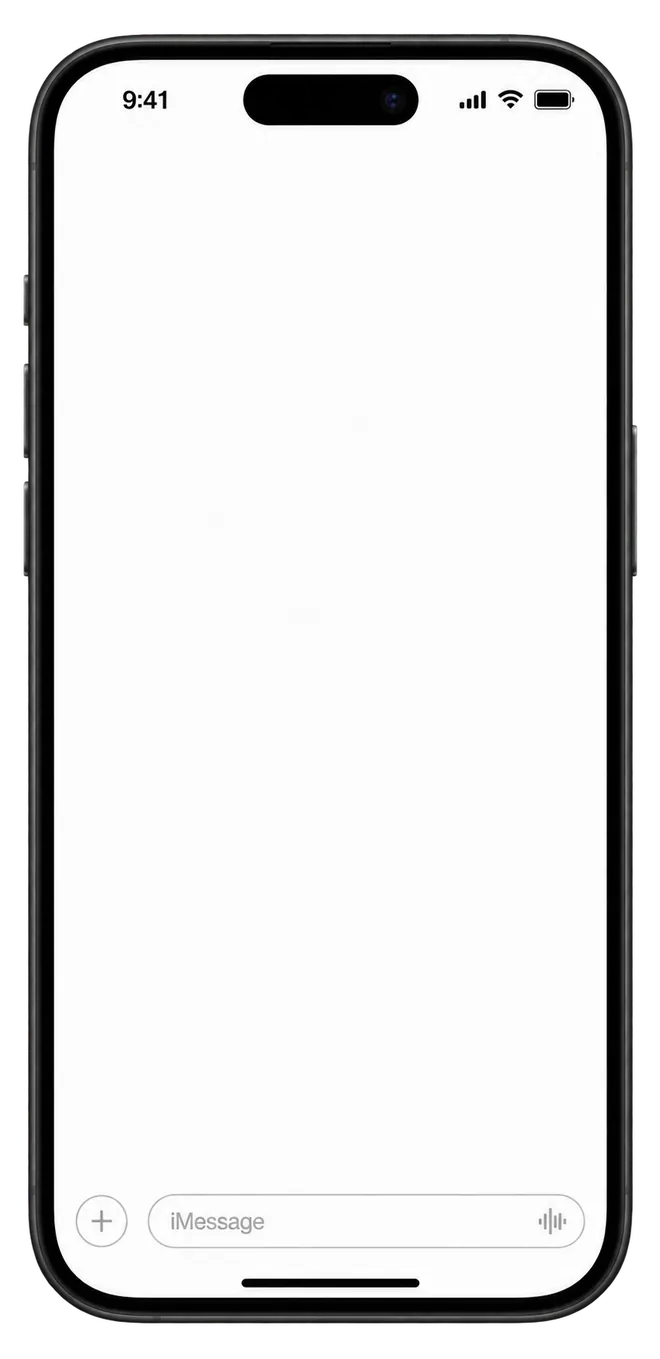


Replies to new leads.
Huck spots new inquiries in your inbox and drafts your reply.
Huck finds open leads and proposals in your inbox, drafts the follow-up and sends it when you say yes. When they reply, Huck books the meeting.
Next, Huck asks you to connect Gmail with Google sign-in. No password to share.
The work is already in your inbox. The lead who emailed Tuesday. The proposal you sent two weeks ago. None of it is hard. It just needs someone to follow up.
Huck spots new inquiries in your inbox and drafts your reply.

Huck keeps track of the proposals nobody has answered and drafts the check-in.

A question gets an answer for you to approve. A yes gets a meeting on your calendar.

New leads and next steps go into your CRM, so the record matches the inbox.
You sent a proposal on Monday. A week later, the Gmail thread still has no reply. Here’s how a short follow-up moves from a draft to something you can check.
Illustrative scenario, not a customer result or a recorded product demonstration.
Huck looks at the proposal you sent and the replies in your Gmail thread. You can check the recipient and the last message before deciding what to send.
Keep the check-in tied to the existing proposal. A follow-up doesn’t need a new discount, a made-up deadline or a claim that the client has agreed.
Hi, checking whether you’ve had a chance to review the proposal. Happy to answer any questions.
Huck asks whether to send the draft. You can change it first, or say “Send it.” In this example, no message goes out before your approval.
Huck texts back: “Sent. You can check it in your Sent folder.” Open Gmail’s Sent folder and check the recipient, message and sent time against what you approved.
A sent follow-up is the completed task. It isn’t a reply, a booked meeting or a won deal. If the client answers, Huck handles the next step you approve; booking a call needs your permission too.
Illustrative examples.
You approve. Huck follows through.
Tell Huck once: “Follow up once on any proposal that’s quiet for a week.” Huck does it that way from then on and texts you each follow-up it sends.
Huck doesn’t send cold outreach or email campaigns, and doesn’t promise more deals. Huck follows up on the leads and proposals already in your inbox. To bring in new leads, see Huck’s marketing work.
ChatGPT can write a follow-up when you ask for one. Huck notices which proposals have gone quiet, drafts the follow-up, sends it when you say yes, and books the meeting when they answer.
No. Huck keeps your CRM current. Huck doesn’t replace it.
Huck reads the proposals you’ve sent from Gmail and looks for a reply. When one goes quiet, Huck texts you a follow-up to approve.
Only when you’ve told it to. Say “If they want a call, book it,” and Huck books the call and texts you the time. Otherwise, Huck asks first.
Free while Huck is in beta, with no card needed to start. Then $49 a month at the founding price, locked in while you stay. Regular price $99. No setup fee.
More Huck can do: Bills, renewals and refunds · Invoices you’re owed · Email and replies · Marketing
Start with the proposal nobody answered.